There may be times when you need to quickly charge a customer for something that doesn’t fall under your standard bookings or products — like add-on equipment, a registration fee, parking, or a custom event. Swift makes this easy to process with the New Charge feature.
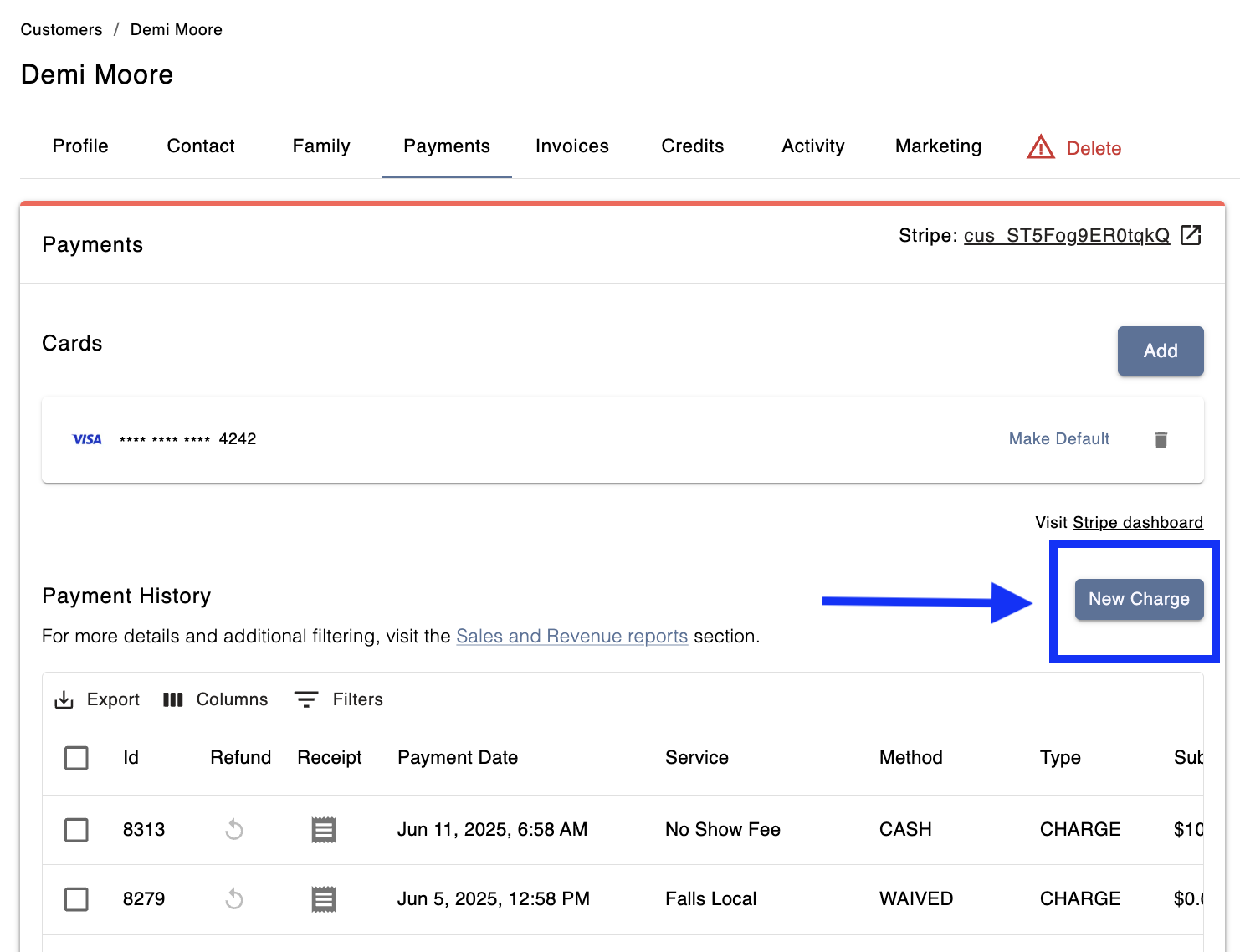
To process a one-off charge to any customer:
In Swift Admin, open the customer's profile
Select the Payments tab
Click the New Charge button
Enter the dollar Amount
Select the Service Type from the drop down list. If it's a miscellaneous item or event, you can select Other and and add a custom item.
Select the Service from the drop down list
Optional — include any fees or taxes, if needed
Add any notes, if necessary
Select the Payment Method
Click the Issue Charge button to process the payment immediately.
Note: One-off charges are a simple and quick way to collect money and associate it with a Revenue category.
A one-off charge won't assign a package/membership to a customer's profile or, it won't automatically mark a booking as paid on the Calendar.