By default, Swift's automated booking confirmation and reminder emails are sent from [email protected].
Often, you'll want Email Blasts to come from your own email address instead, so that if a customer replies or cannot make it to their booking, they can reply directly to the automation and get in touch with you.
To setup your Sender,
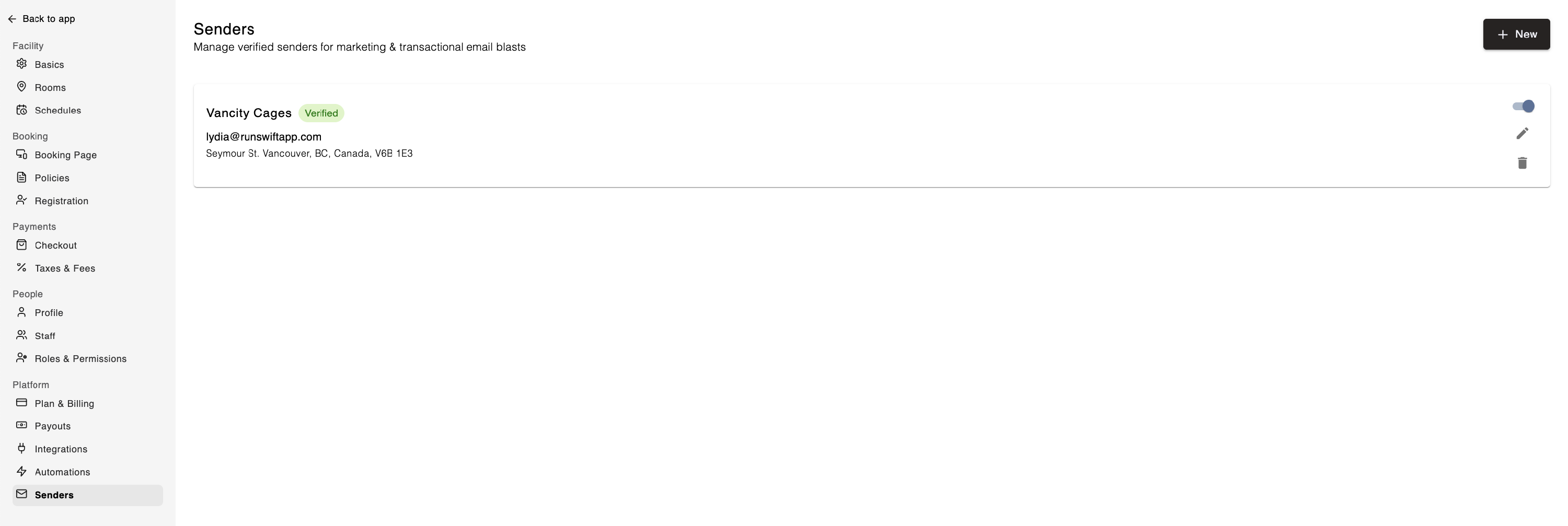
Navigate to Settings, and under the Platform category, select the Senders option
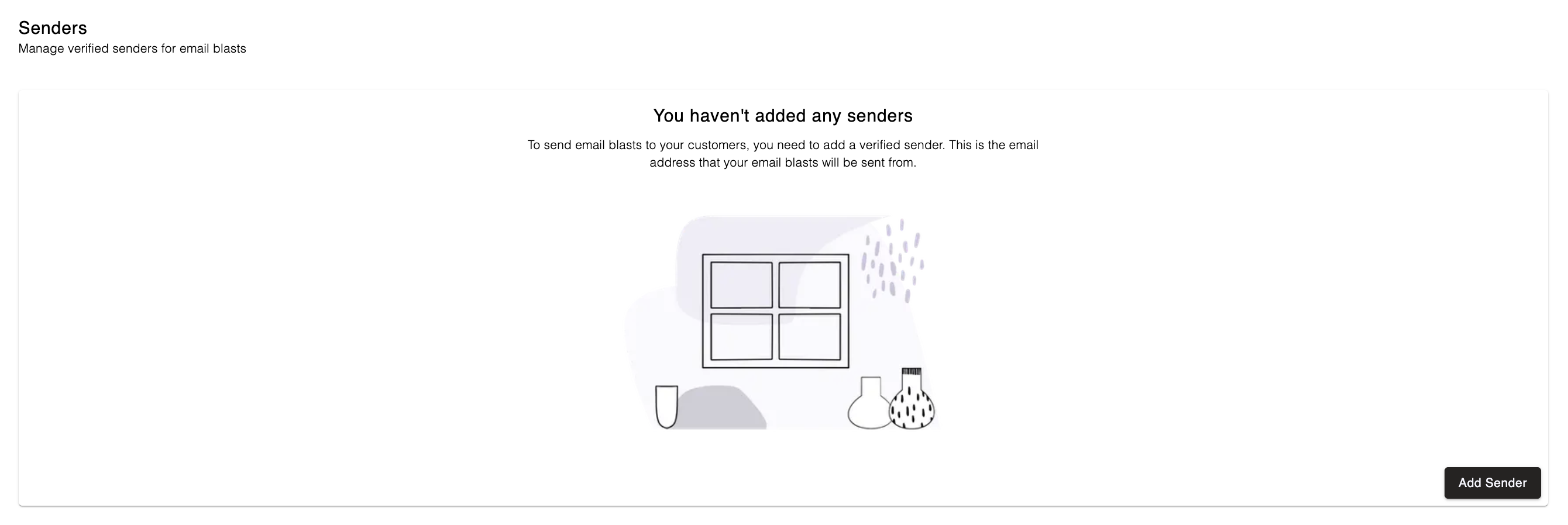
Click the Add Sender button
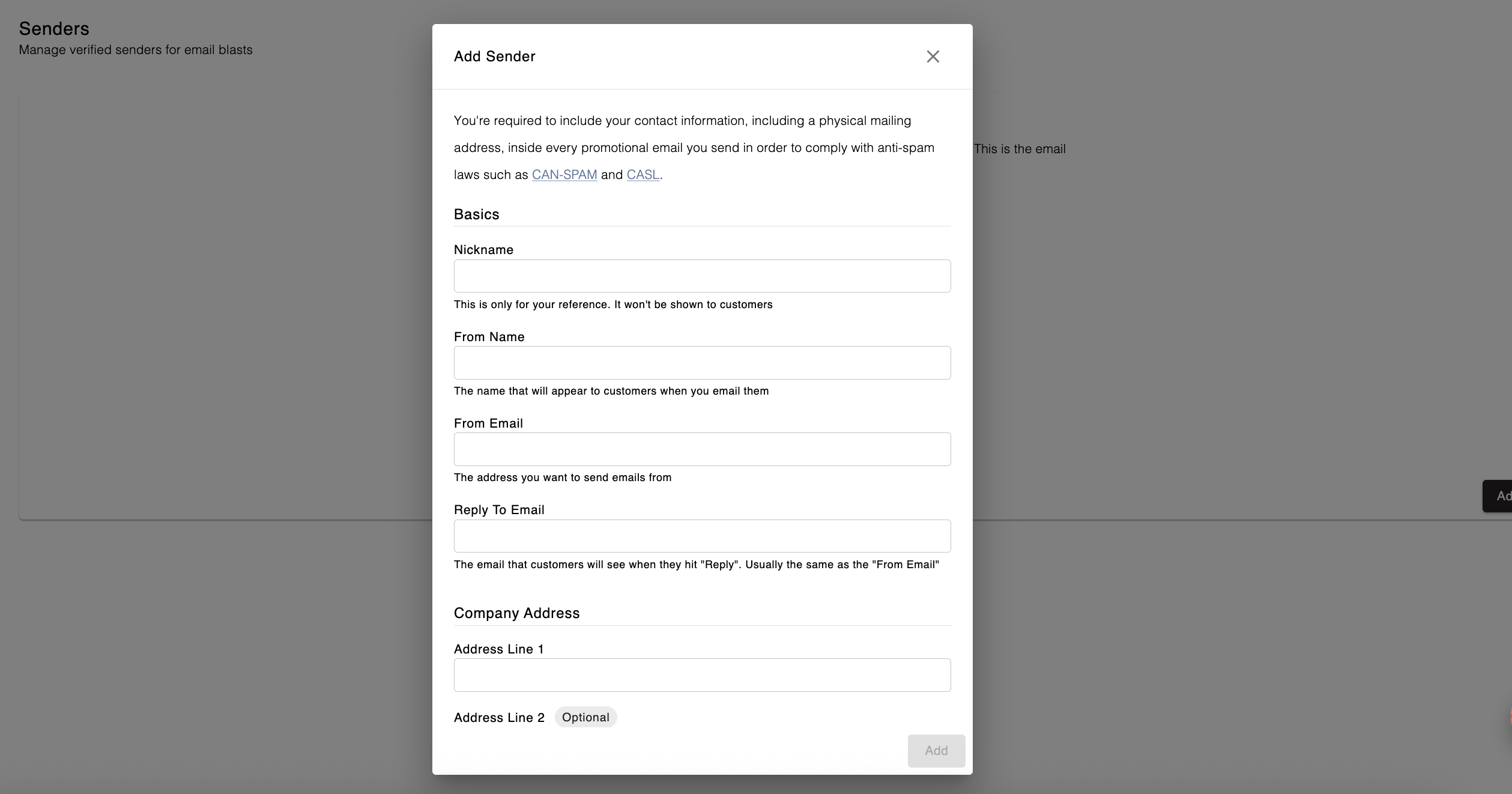
Fill out the Add Sender form
You'll receive a verification email in your inbox, which you will need to open and click on the link to verify your sender
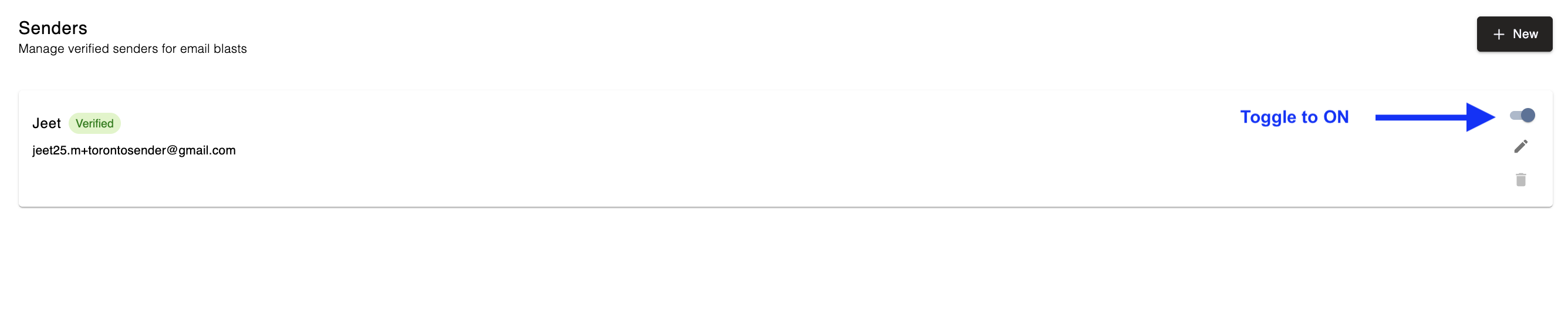
Once your Sender has been verified, go back to Settings > Senders in Swift Admin
Toggle your verified Sender to ON