Are you usually on the go? Want to check schedules, bookings, and more without needing a computer? The Swift Admin app is now available for mobile and tablet devices! 
 Who can use the Swift Admin app?
Anyone with a Swift Admin login can download and use the app, including:
Instructors
Staff
Admins
Owners
Your access in the mobile app will match what you see when using Admin on a desktop — so you’ll only see what your role allows. Same permissions, just more portable!
More information on how Admins and Owners can update Roles & Permissions can be found here.
You can simply download the app directly from the Google Play Store. Open this link on your Android device: Download from Google Play
Alternatively,
Open the Chrome browser on your device and go to admin.runswiftapp.com
Log into your Admin account
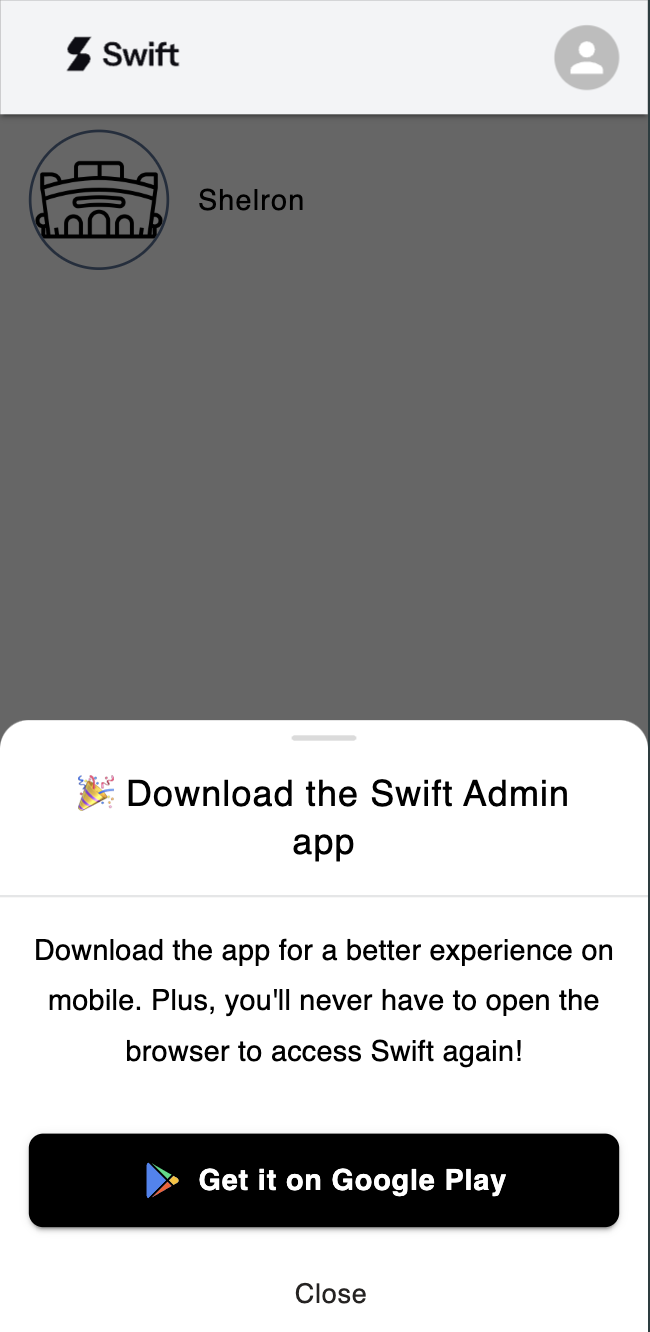
A prompt will appear at the bottom of your screen, "Get it on Google Play." Tap the button.
You will be taken to the Google Play store where you can download the Swift Admin app to your Android device.
You can simply download the app directly from the Apple App Store. Open this link on your iPhone or iPad device: Download from App Store
Alternatively,
Open Safari on your device and go to admin.runswiftapp.com
Log into your Admin account.
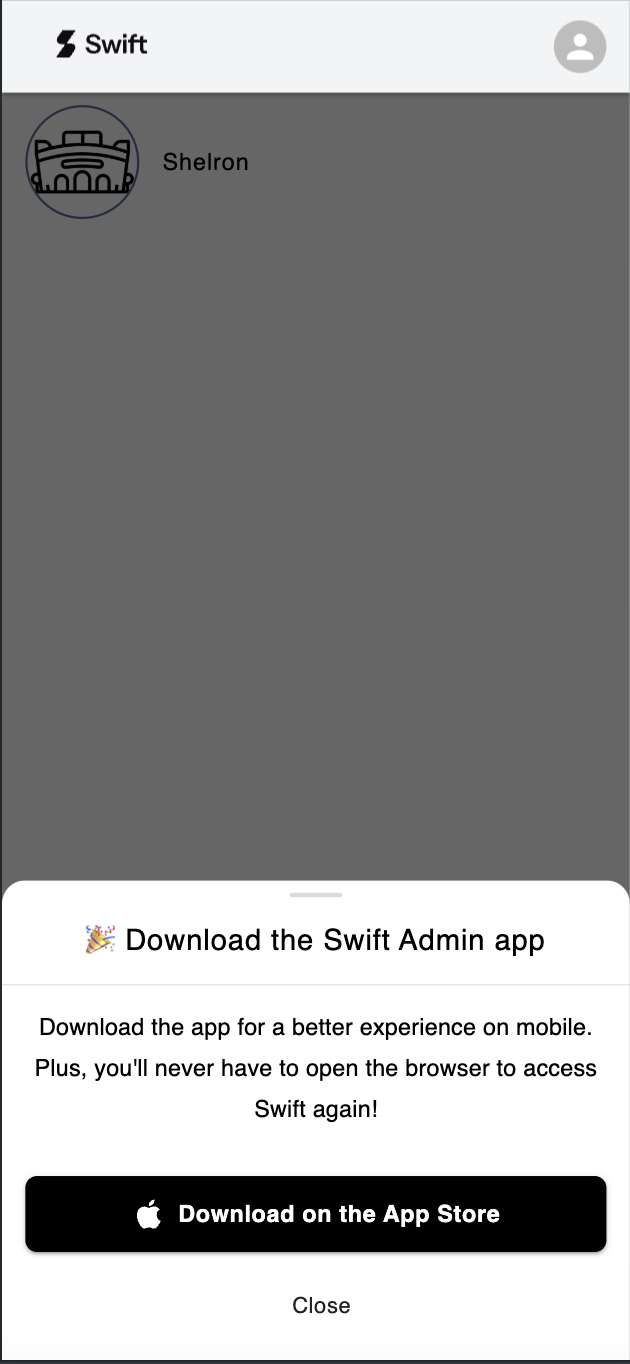
A prompt should appear, tap on the Download on the App Store button.
Once taken to the App Store, tap Add in the top-right corner.
The app will download and install automatically on your iOS device.