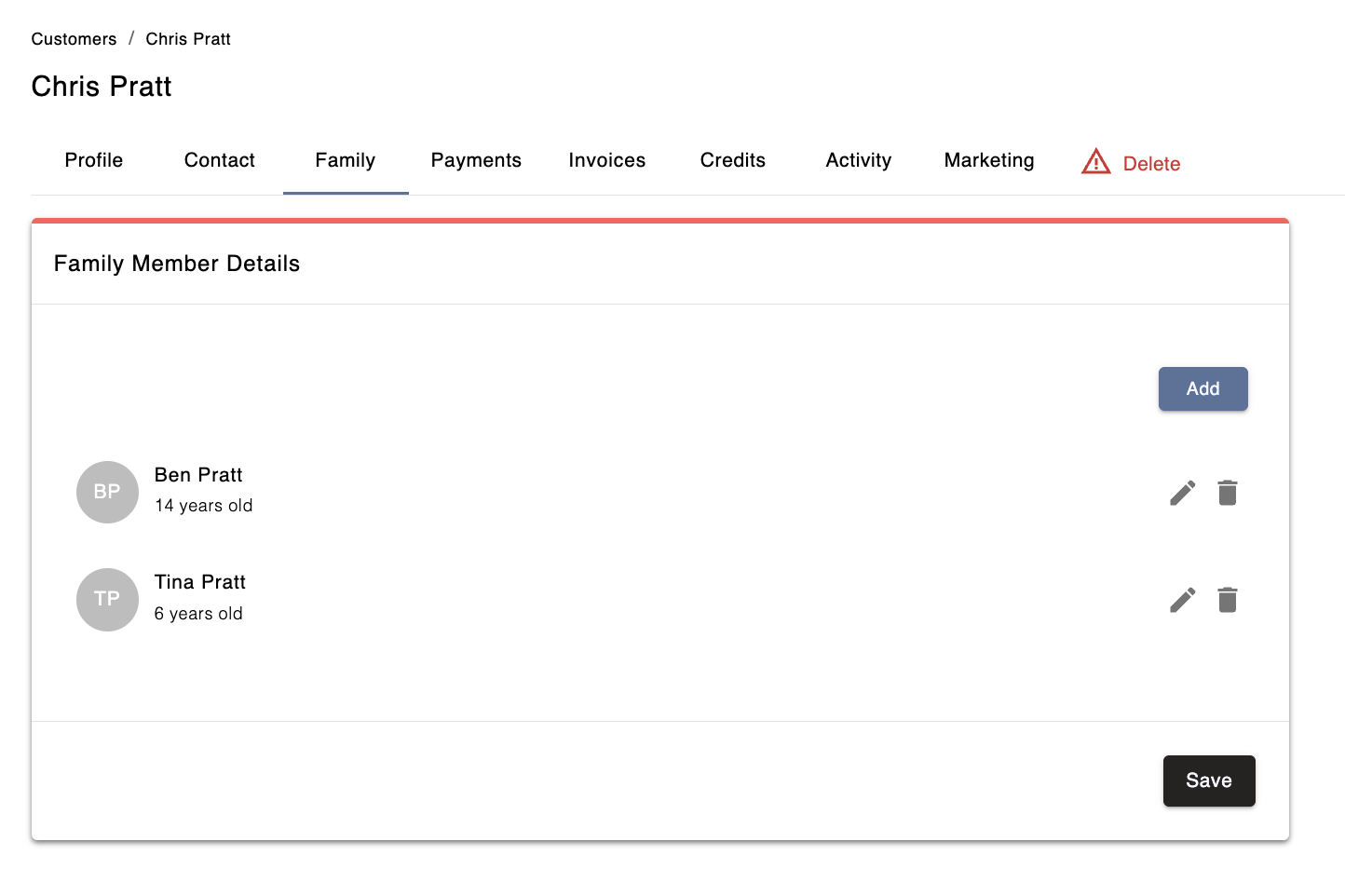
You can manage a customer’s family members directly from their profile in Admin. Each customer account can have up to 10 family members listed. This setup allows the main account holder to manage bookings, schedules, and payments for all listed family members from a single account.
Go to the Customers section in Admin.
Open the customer's profile.
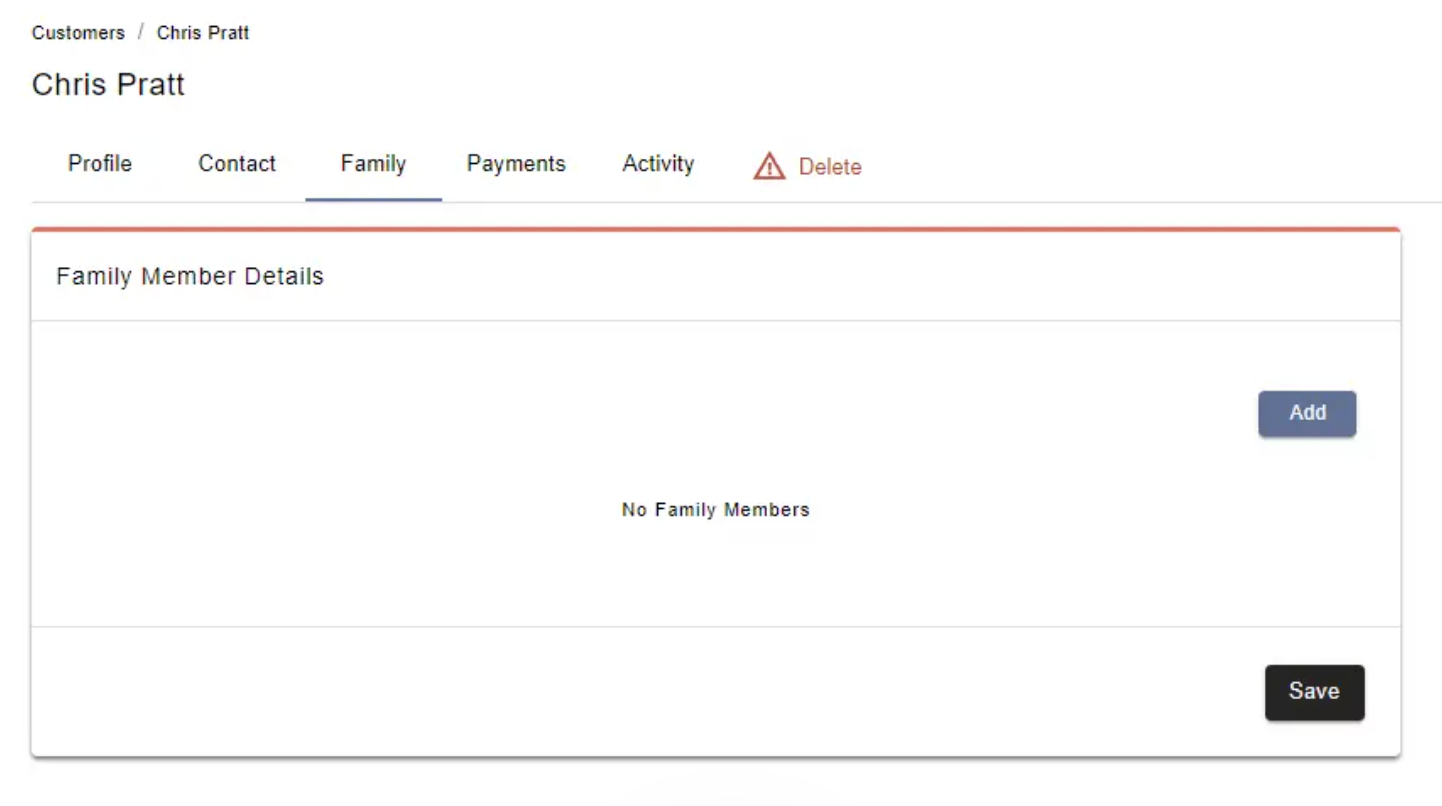
Click on the Family tab (the third tab).
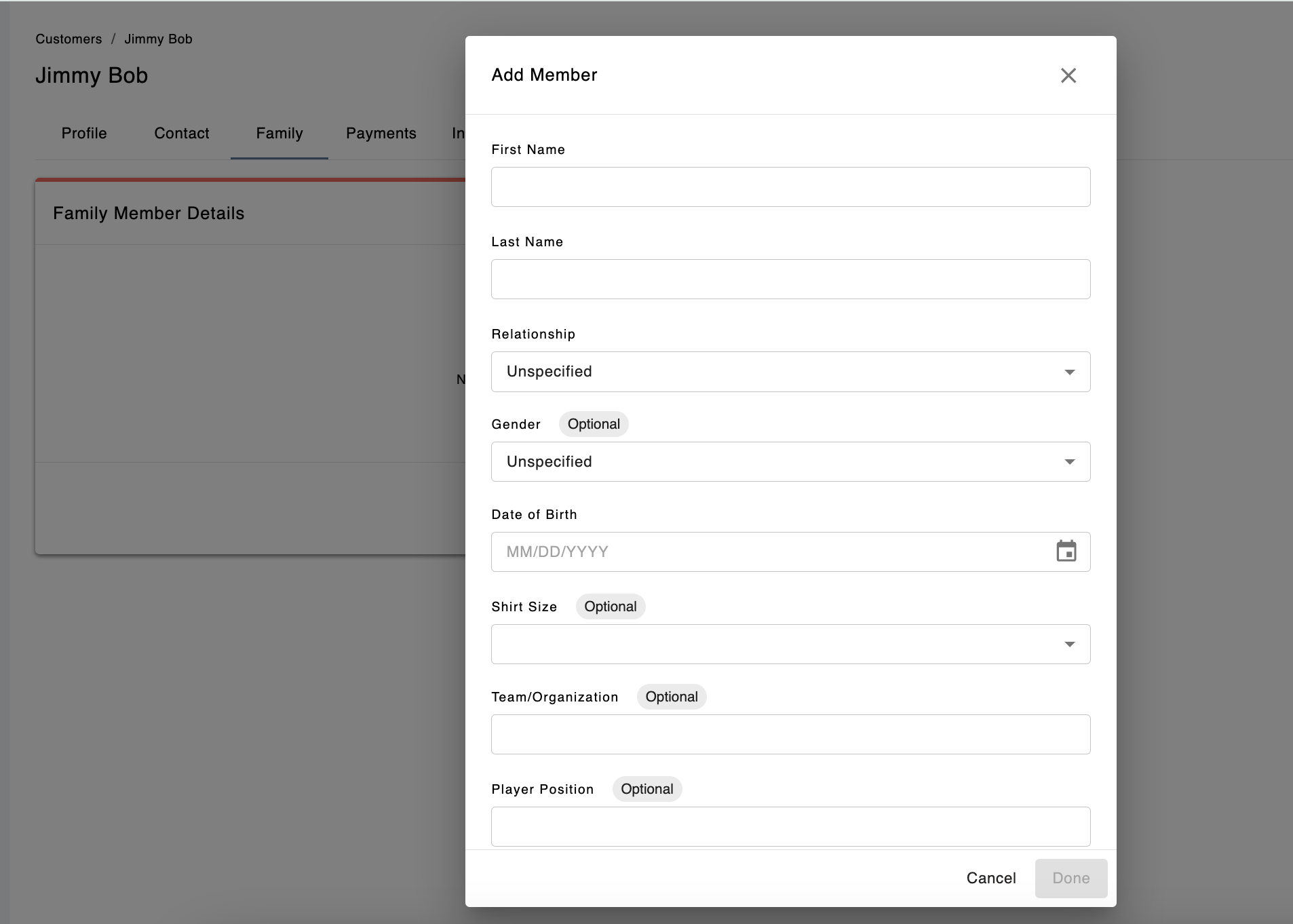
Click the Add button
Fill out their information
Click the Save button!
Yes! Customers can also log into their Swift account and add family members from their end. Any family members they add will automatically appear in the Admin view.