
In Swift, you can mark a participant's attendance through the booking tile on the Calendar page in Admin.
On the Calendar page, click on the booking tile
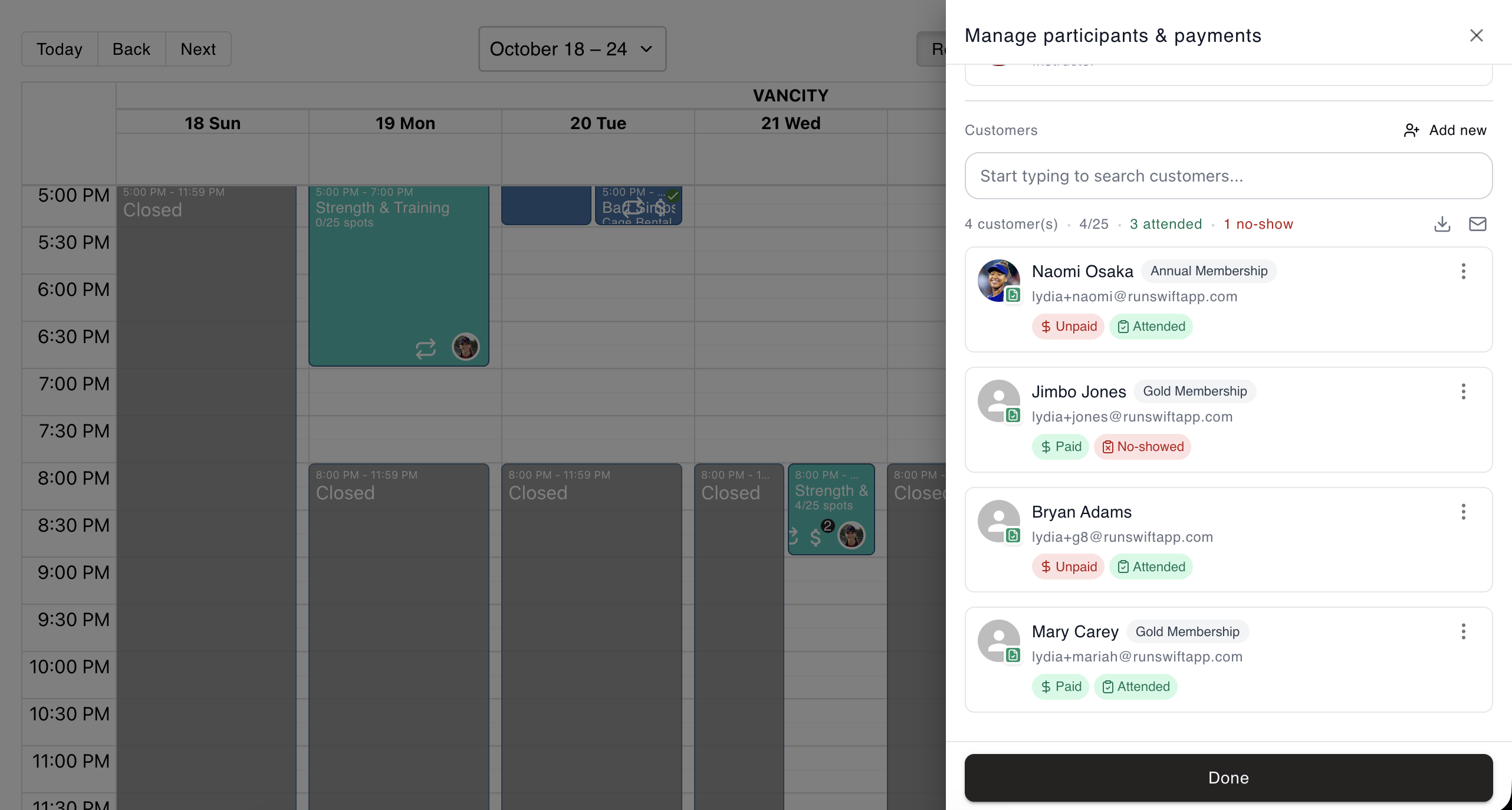
Select the Manage Participants and Payments (second) icon
Next to the participant's name, select the Set Attendance icon
Select the appropriate option from the list
Click the Done button to save and close the modal
You can visit the Attendance Report by navigating to Reports > Attendance in the Swift Admin Dashboard, where you will see the participants of various bookings and their attendance status.