
You can visit the Plan & Billing page by navigating to Settings > Plan & Billing in the Swift Admin Dashboard. On this page, you cancel your subscription with Swift, and update your payment method.
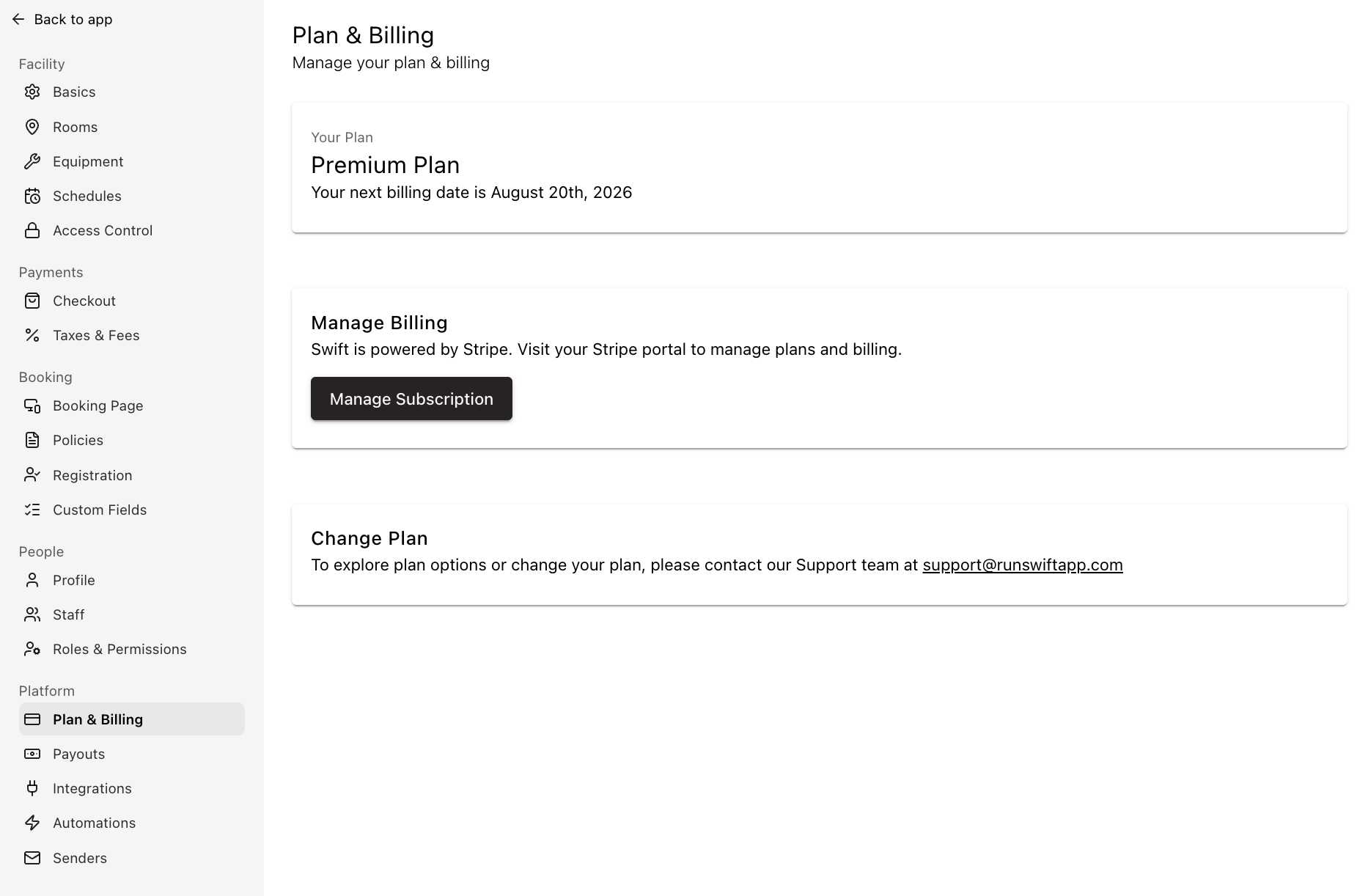
Changing Swift subscription plan
To change your plan, upgrade, or downgrade - please reach out to us and we'll make it happen for you.
Update credit card on file
To update the card on file, you can click on the "Manage subscription" button to be taken to the payment portal. From here, you can cancel your subscription, update your Payment Methods, or view and download receipts for your Swift subscription.
Download Swift Subscription invoices and receipts
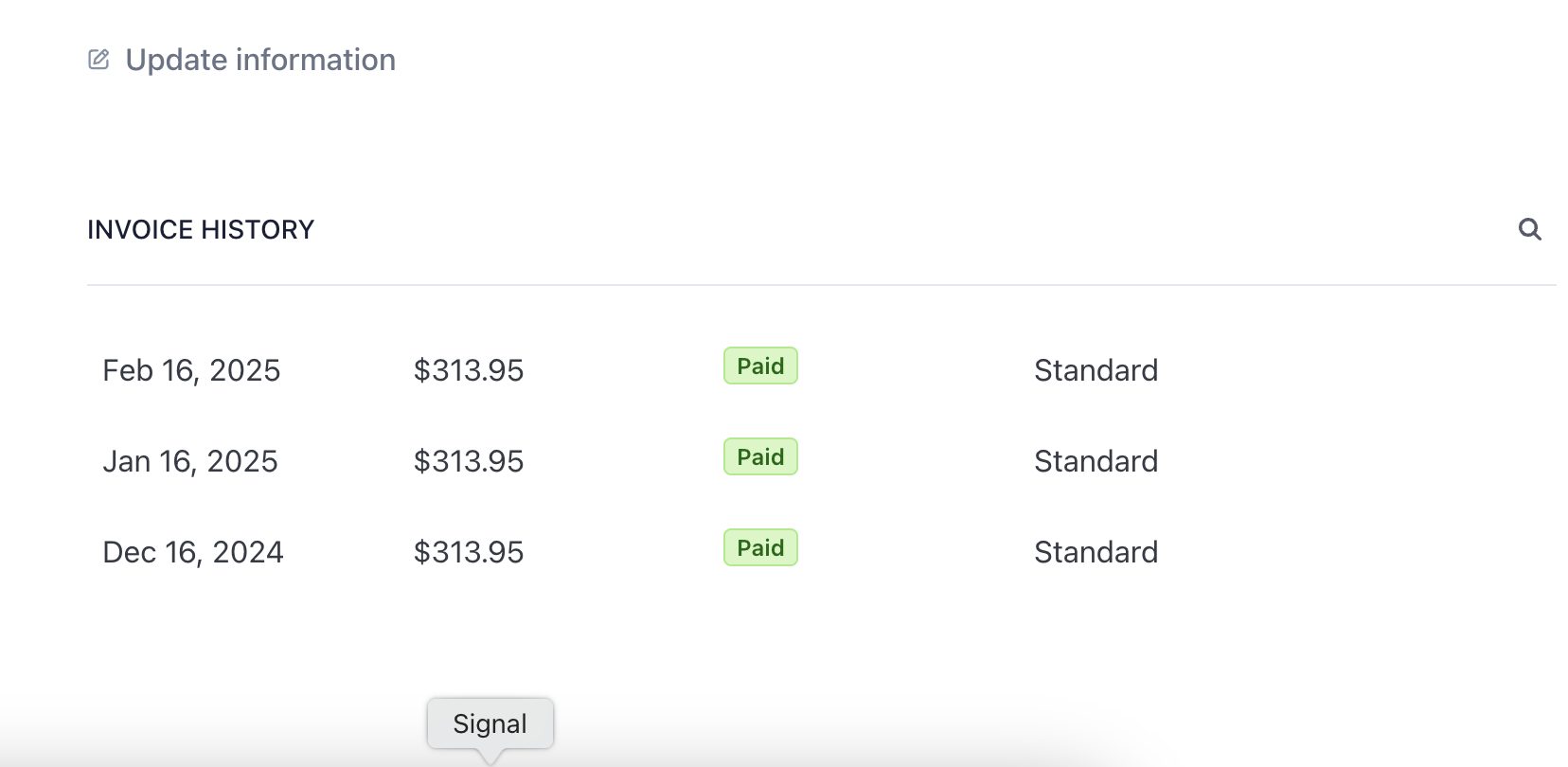
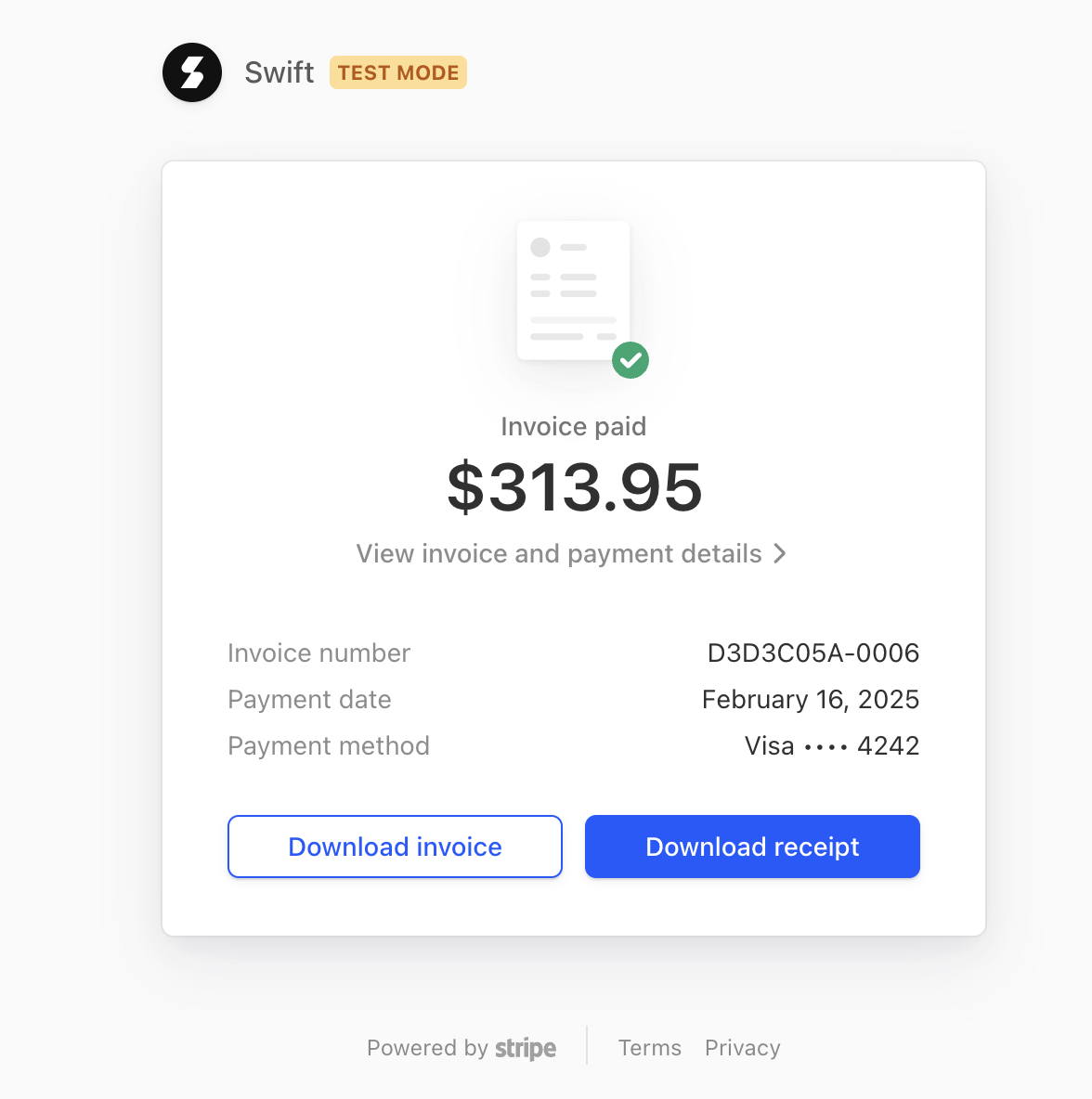
To download copies of your Swift Subscription invoice or receipt, this can be done via Settings > Plans and Billing. Once there, you can click on the Manage Subscription button which will open your Stripe dashboard.
Under the Invoice History section, you can click on each invoice which will open the invoice details in a new window where you will see the option to download invoice or download receipt,
Pause Swift subscription
Did you know that you can pause your Swift subscription? This is especially handy if your business is highly seasonal, and you only need the software for a few months in the year.
Your booking page and access to your Admin portal will be deactivated during this time, but your customer and facility data will remain in tact for when you're ready to return.
Reach out to us if you would like to pause your Swift account!
Cancel Swift subscription
We're so sorry to see you go! If there's something we could've done better, let us know.
If you're set on leaving, you can click on "Manage subscription" to be taken to your Stripe dashboard. There, you'll be able to cancel the plan you're currently on and provide a reason for the cancellation. You will continue to have access to your Swift account until the end of the current billing cycle.